
Instagram Story Download With Audio
Copy the story link, paste it here and download Instagram stories and highlights with audio in HD. Free, anonymous and no login needed.

Instagram Story
High definition Instagram Story ready to download anonymously in original quality.
Copy Link Story Download in 3 Steps
Instagram story download works with the story link or just the username.
-
01
Copy Story Link
Open the public story or highlight, tap the three dots or Share icon and choose "Copy link". You can also type the @username.
-
02
Paste into XDownloader
Paste the copied URL into the search box above. Our proxy engine resolves the direct media stream anonymously in real time.
-
03
Save Anonymously
Click "Download". Preview your story right here and tap "Download" to store the clean, original-quality video or photo on your device.
Why Use This Stories Downloader
Download Instagram stories with audio, without logging in and without showing up in the viewer list.
100% Anonymous
The creator will never know you viewed or saved their story. You do not appear in their story viewer list.
Original Resolution
Video stories download as MP4 with their audio, at the best quality Instagram has. Photo stories save as full-size JPG.
Highlights Supported
Save active 24-hour stories as well as permanent profile story highlights with a single click.
No Login Required
We never ask for your Instagram account, credentials, or cookies. Safe, private, and zero risk.
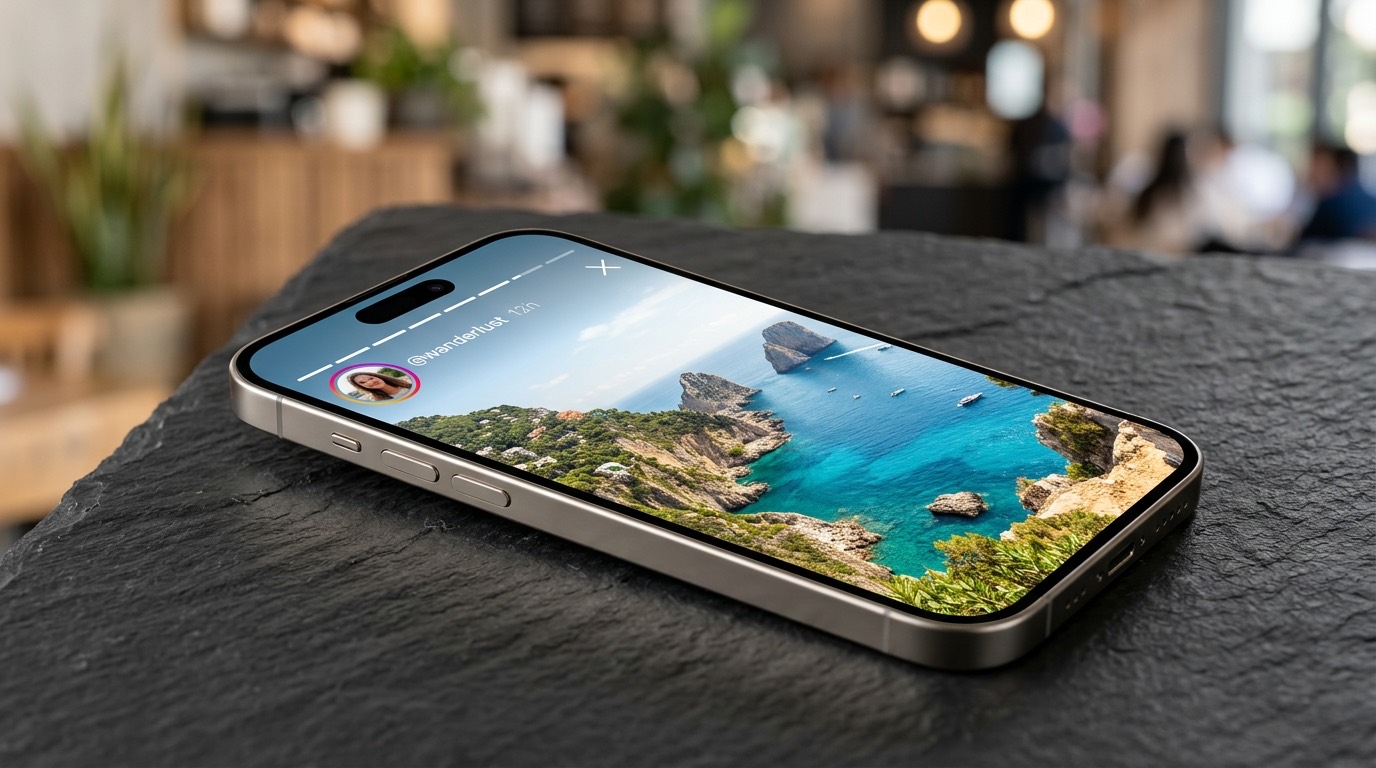
Download Instagram Stories Before They Disappear
Instagram stories expire and vanish permanently after 24 hours. Whether it is a travel recommendation, a workout routine, a product launch, or a friend's milestone celebration, once it is gone, you cannot see it again.
With this Instagram story download tool you can keep any public story on your phone, with its audio, and watch it again offline whenever you want.
Paste a Story LinkAnonymous Instagram Story Viewer and Downloader
Viewing a story inside the official Instagram app notifies the user and places your profile at the top of their viewer list. XDownloader fetches the public media stream directly via server requests, keeping your identity 100% hidden.
It runs smoothly inside Safari on iPhone and iPad, Chrome on Android, and any modern desktop browser without downloading third-party apps or browser extensions.
Start Saving Stories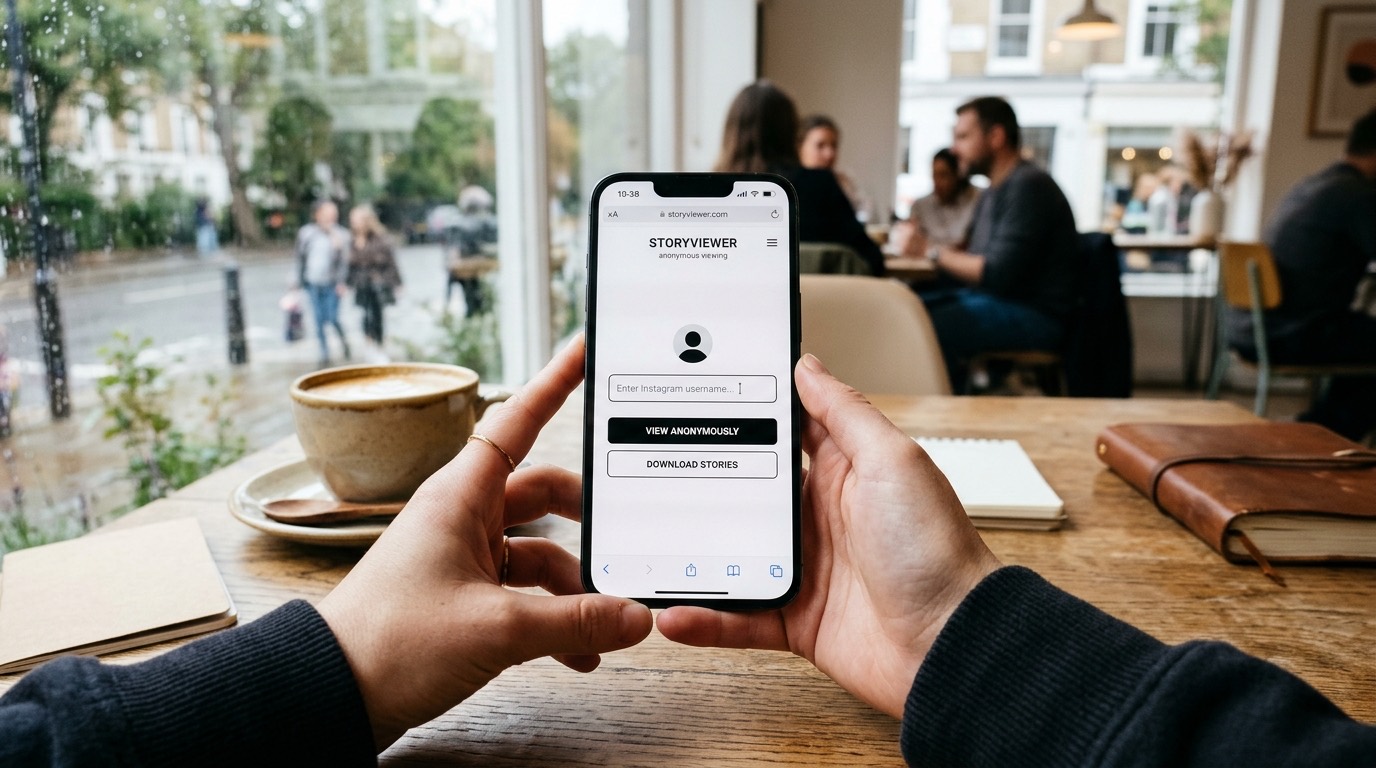
More Free Reels Tools
Explore our full suite of free tools for saving Instagram content in highest fidelity.
Reels Download
Download vertical Instagram Reels in 1080p Full HD MP4 with original audio and zero watermark.
Download Reels →How to Download Reels
Step-by-step help for reels download on Android, iPhone and PC.
Read the Guide →Reel Audio Download
Save the song or voiceover from any public reel as an MP3 file.
Download Reel Audio →Instagram Story Download FAQ
Common questions about Instagram story download with audio.
No. XDownloader functions as an anonymous proxy. Our servers fetch the media stream directly, so your personal Instagram account is never attached to the request. You will not appear on the creator's "Seen by" viewer list.
Yes. Both active 24-hour Stories and permanently saved profile Highlights can be downloaded. Simply open the Highlight, tap Share, copy the link, and paste it into XDownloader.
No. We will never ask for your Instagram password, cookies, or personal credentials. XDownloader is completely web-based, anonymous, and does not require account authentication.
No. In accordance with user privacy standards and platform policies, XDownloader only processes publicly accessible Instagram content. Stories from private or restricted accounts cannot be accessed.
On iPhone, open Safari, paste the Story link, and click Download. Safari will download the file directly into your Files app or allow you to tap "Save Video / Image" to move it to Photos. On Android, Google Chrome downloads the MP4 or JPEG directly into your Gallery or Downloads folder.
Video stories are downloaded in standard MP4 format at the highest quality served by Instagram (up to 1080p). Photo stories are saved in full-resolution original JPEG format. Audio can be extracted directly as an MP3 file.
Yes. Video stories are downloaded as MP4 with the original audio, including any music sticker or voice in the story.
Tap the three dots or Share on a public story, choose Copy link, paste it in the box above and tap Download. The story is ready to save in a few seconds.