
Reels Download: Instagram Reel Downloader
Download Instagram Reels in HD MP4 with the original audio. Paste the reel link, tap Download and save it to your phone or PC. No watermark, no app, no login.

Instagram Reel
High definition Instagram Reel ready to download in original quality with high-fidelity audio.
How to Download Instagram Reels in 3 Simple Steps
Reel download takes three taps and works the same on Android, iPhone and computer.
-
01
Copy the Reel Link
Open the reel in Instagram, tap the Share (paper plane) icon and choose "Copy link".
-
02
Paste into XDownloader
Paste the link into the box at the top of this page and tap Download. The reel is fetched in a few seconds.
-
03
Save the MP4
Preview the reel, then tap "Download Video" to save the MP4, or "Download Audio" to save only the sound as MP3.
Why Use This Instagram Reels Downloader
Everything you need to download Instagram reels, and nothing you don't.
HD Quality
Every reel downloads at the highest quality Instagram serves, up to 1080p. The video is never re-compressed.
Zero Watermarks
Unlike screen recording, your downloaded video has no platform logos, creator tags, or UI overlays.
Free & Unlimited
Download as many reels as you like. No sign-up, no payment and no subscription.
No Account Needed
We never ask for your Instagram password, cookies, or email. 100% anonymous, safe, and private.
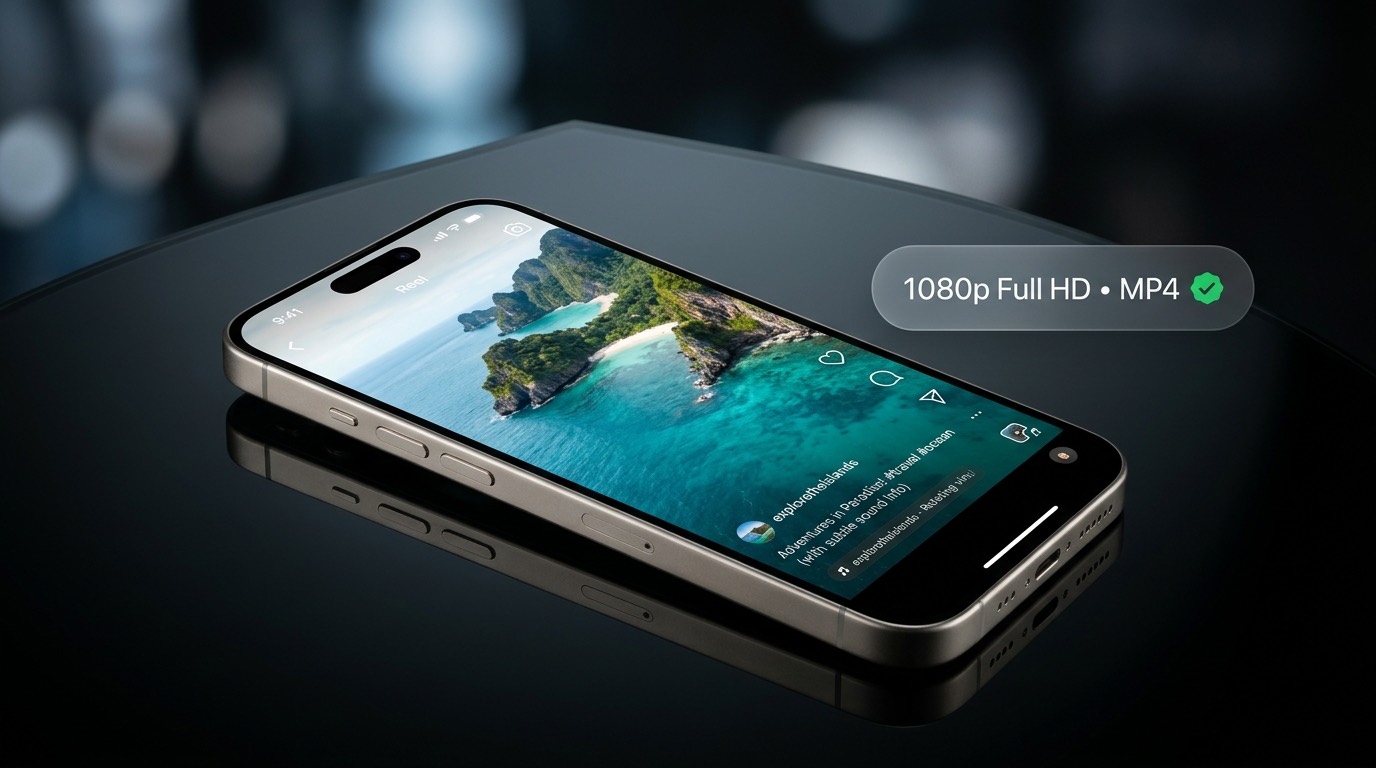
Reel Download in HD MP4 With Original Audio
Instagram lets you save a reel inside the app, but it never gives you the video file. If the creator deletes it, or you want to watch it offline, share it on WhatsApp or use it in an edit, the in-app save does not help.
This reels downloader gives you the actual MP4 file. It fetches the same video Instagram plays, with the original sound, so the reel looks and sounds exactly as it does in the app.
Paste a LinkDownload Instagram Reels Without an App
Installing third-party mobile apps or browser extensions exposes your device to privacy risks and battery drain. XDownloader runs entirely inside your web browser.
Whether you use Chrome on Android, Safari on iPhone, or any browser on Windows or Mac, you can download Instagram reels here without installing anything.
Start Downloading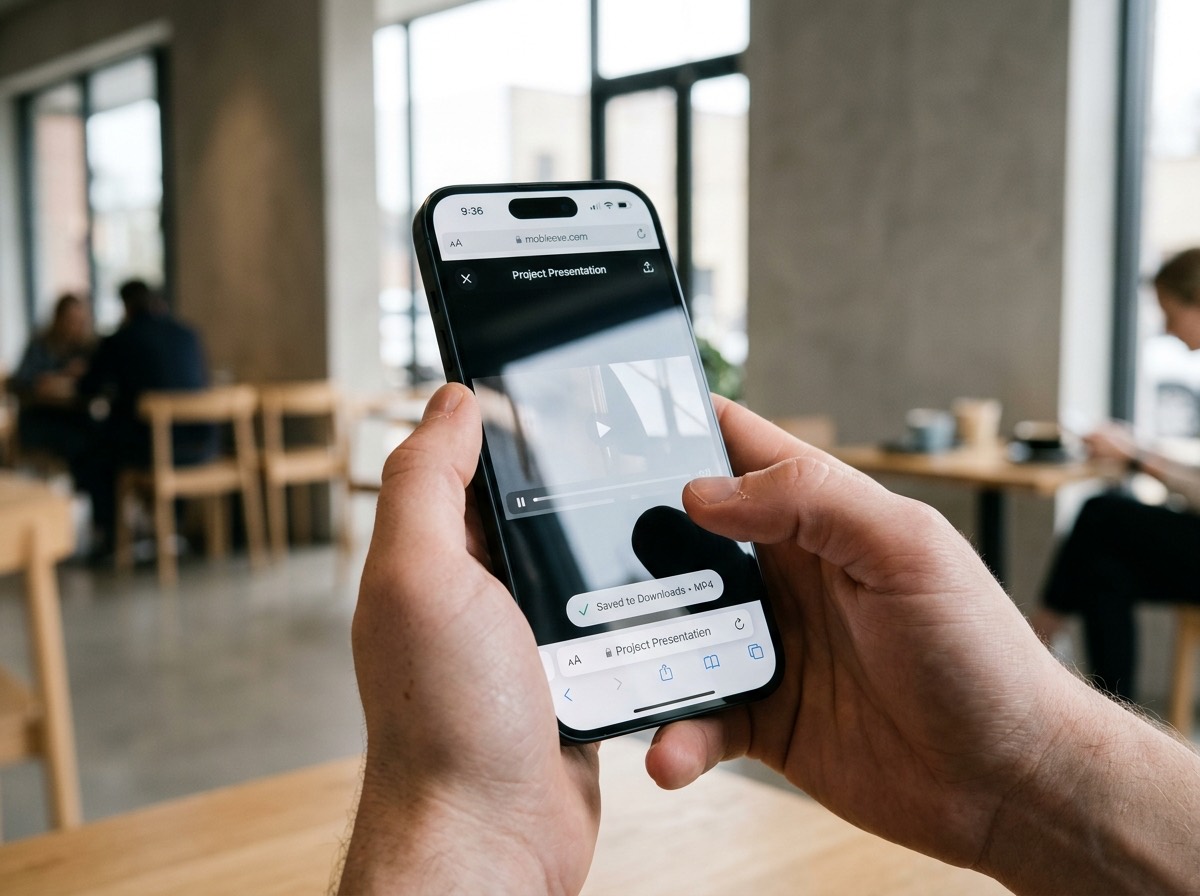
How to Download Instagram Reels on Android, iPhone and PC
The steps are the same everywhere. Only the place the file is saved is different.
Reels Download on Android
Copy the reel link in the Instagram app, open this page in Chrome, paste and tap Download. The MP4 is saved in your Download folder and shows up in your Gallery.
Reels Download on iPhone
Copy the link, open this page in Safari, paste it and tap Download. Find the reel in Files > Downloads, then tap Share > Save Video to move it to Photos.
Reels Download on PC and Mac
Copy the reel link from instagram.com in your browser, paste it here and click Download. The file goes to your computer's Downloads folder.
What Is an Instagram Reel Downloader?
An Instagram reel downloader is a free online tool that turns a reel link into a video file you can keep. You paste the link of any public reel, the tool finds the original video, and you download it as MP4. You do not need to log in to Instagram, and the creator is not notified. Instagram Reels are short vertical videos of up to a few minutes, and this tool saves them with their original sound. Download reels for personal use, such as watching offline or keeping for reference, and always credit the creator if you share. Reposting someone else's reel without permission can break Instagram's copyright rules.
More Free Reels Tools
Download the sound of a reel or save a story with the same paste-and-download steps.
Reel Audio Download
Save only the sound of a reel, such as a trending song or voiceover, as an MP3 file.
Download Reel Audio →Story Download
Download public Instagram stories and highlights with audio before they disappear.
Download Stories →How to Download Reels
Step-by-step answers for Android, iPhone and PC, plus fixes for common errors.
Read the Guide →Reels Download FAQ
Common questions about reels download on Android, iPhone and PC.
Yes. Reels download is completely free. There is no sign-up, no payment and no limit on how many reels you download.
Open the reel in Instagram, tap Share and choose Copy link. Open this page in Safari, paste the link and tap Download. When Safari asks, tap Download again. The reel is saved in Files > Downloads; tap Share > Save Video to add it to your Photos.
Copy the reel link from the Instagram app, open this page in Chrome, paste the link and tap Download. The MP4 is saved in your Download folder and appears in your Gallery or Google Photos.
No. You get the original video file from Instagram, so there is no extra logo, username or watermark added on top.
Reels download in the highest quality Instagram has for that video, usually 720p or 1080p MP4, with the original audio.
No. Only public reels can be downloaded. Reels from private accounts are visible only to approved followers, and this tool does not log in to any account.
No. Instagram does not notify creators when a public reel is downloaded, and you never log in here.
Yes. After you paste a reel link, tap Download Audio (MP3). You can also use the Reel Audio Download page.
On Android they go to the Download folder and the Gallery. On iPhone they go to Files > Downloads. On Windows and Mac they go to your Downloads folder.